Workflow planning
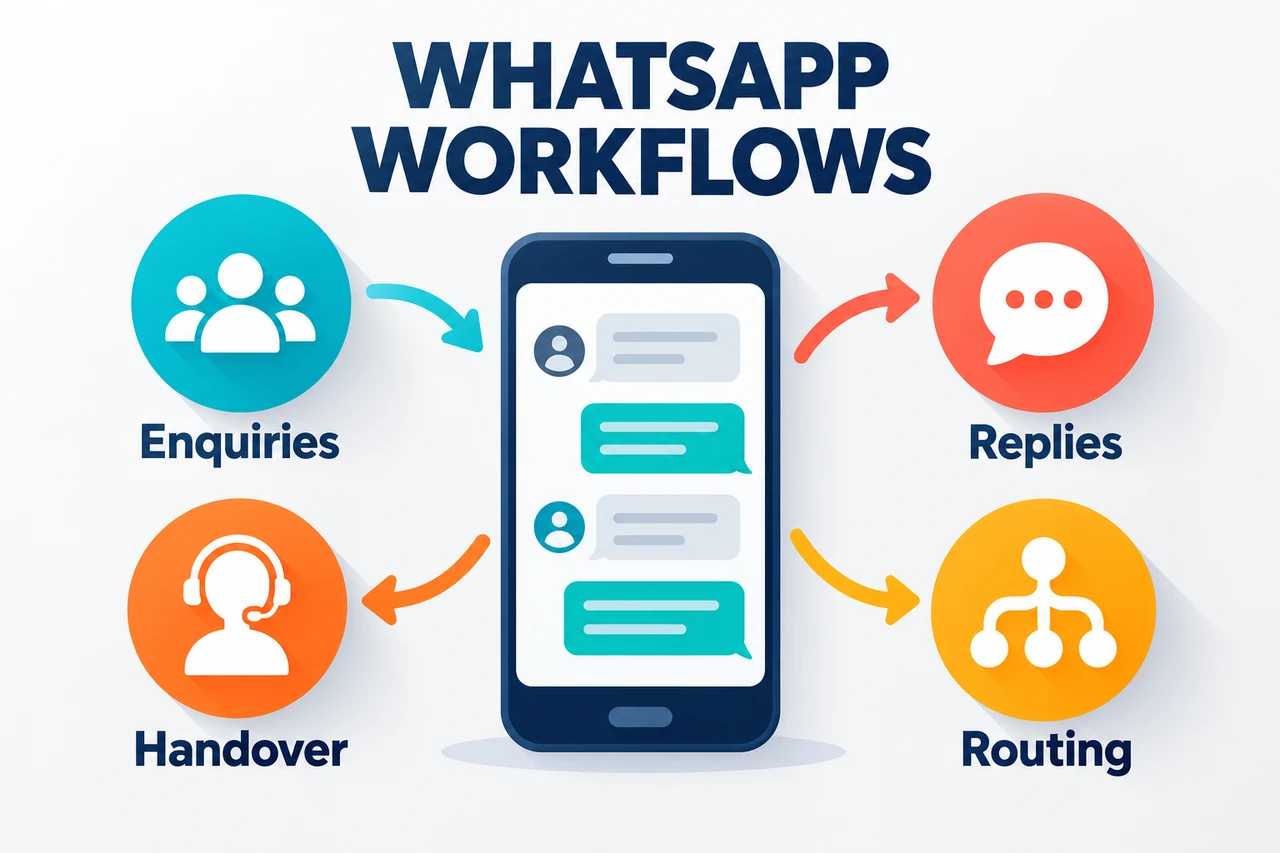
Map enquiry types, useful replies and the points where your team needs to take over.
Plan a clearer WhatsApp customer journey, from enquiry routing to an assessed business-system integration. Review channel access and responsibilities before adding automated steps.
Your proposal confirms the deliverables, access, tools and support included.
Map enquiry types, useful replies and the points where your team needs to take over.
Review the approved provider, account setup and required access for the workflow.
Plan how messages reach the right team member or business system.
Scope appropriate messaging journeys around your customer process.
Assess available integrations for lead records and follow-up tasks.
Check agreed flows, exceptions and handovers before launch.
Review your goals, existing setup and the people you want to reach.
Agree deliverables, responsibilities, costs and review stages.
Complete the agreed work and review it against the project scope.
Explain the next steps and agree any ongoing support.
No. A website button opens a conversation; automation requires a separately scoped business messaging workflow and provider setup.
Provider subscriptions and messaging charges are separate and explained in the proposal.
We can plan a human handover as part of the chosen provider and workflow.
Share your goal and we will help you plan the scope and next step.
Discuss your project ↗Free initial consultation · Usually a reply within one business day
Current WhatsApp setup, routing needs, system access and who handles customer replies.
Direct enquiry links and API integrations are different scopes. Review provider requirements, costs and human handover.
Account access and provider setup are checked before a connected workflow is promised.
These examples describe possible project scopes. Share your real workflow to assess suitability and delivery requirements.
A website link can open a prepared message for the visitor to send. An integrated workflow needs separate account, platform and backend assessment. Start with the actual customer task.
Agree the information needed, who responds and when a person takes over. Important communication should follow the approval and channel rules agreed for the project.
Describe the existing tools and desired action, such as a reviewed enquiry summary. Account access, interfaces, provider requirements and usage charges affect feasibility.
No. A direct WhatsApp link opens a conversation or prepared message. AI-assisted replies and business-system integration require a separately scoped implementation.
The channel setup, CRM interface and authorised access need review. The proposal confirms record fields, routing and failure handling if integration is feasible.
An AI-assisted conversation can be assessed with approved knowledge, channel capabilities and human handover. A production implementation is not assumed from a website demo.
That depends on the task and integration requirements. Review the Business App versus Platform guide and share your existing setup.